

ProductAgencies
Connect Client Accounts Without Sharing Passwords
SparkVox connection links let agencies email a no-login page so clients connect their own LinkedIn, Drive, Zoom, and more — OAuth attaches to your workspace without password sharing.
A client recording usually contains both personal perspective and company proof. Here's what identifies which moment belongs on which channel, and why one upload can feed both.
 Sean Weisbrot- Founder, SparkVox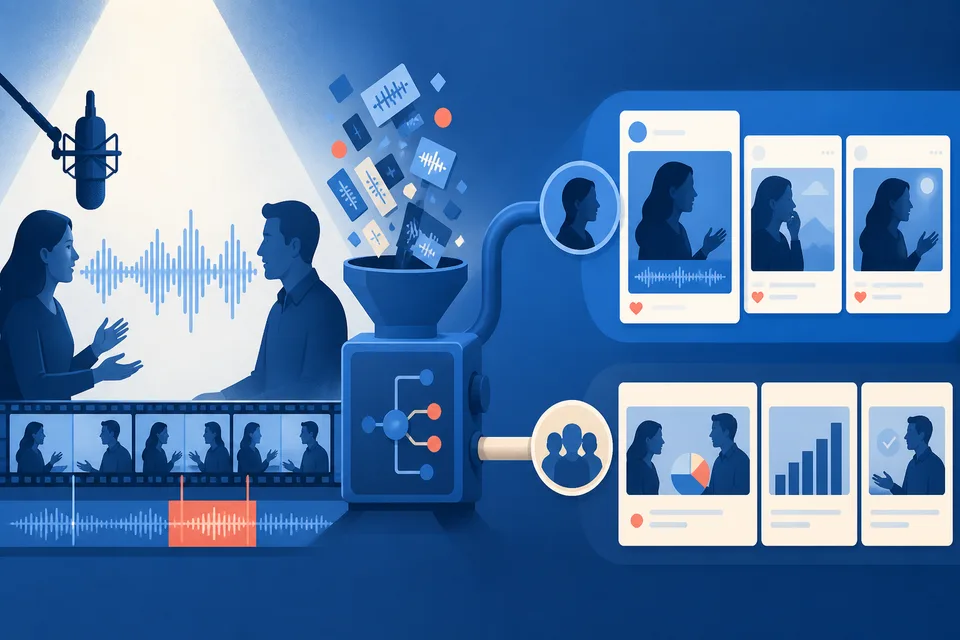
A client's sales call or workshop usually contains two different kinds of content: their own perspective, and proof about their business. Both are worth publishing. Routing them to the right channel - personal profile versus company page - is what keeps both feeds active from one upload.
Publishing everything to the client's personal profile leaves their company page dormant, which undercuts credibility with anyone doing due diligence on the business itself, not just the person. Publishing everything to the company page strips out the personal judgment and perspective that actually builds the client's individual authority.
A moment where the client explains their own reasoning or gives a personal take belongs on their profile. A moment about a customer win, a product point, or team news belongs on the company page. Both types commonly show up in the same recording, which means one upload can route to both channels without processing the recording twice.
An individual client managing their own content might reasonably default everything to their personal profile without much cost - it's their call to make. An agency managing content on a client's behalf is expected to think about the full picture, including a company page the client may not be actively thinking about day to day. Routing correctly is part of what separates a full-service repurposing offering from a basic personal-profile-only service.
Periodically checking whether each client's company page has received any content in the last month is a fast way to catch accounts where everything's been defaulting to personal - a two-minute check per client that prevents a slow drift toward a dormant company page going unnoticed for months.
Rather than deciding channel routing fresh on every project, it's worth setting a rough default per client early in the relationship - what proportion tends to be personal versus company content for this specific client's typical recordings - so the team isn't re-litigating the same judgment call from scratch on every upload.
See how identity gets picked per draft on Pro in SparkVox for LinkedIn company pages, the same routing question from a PR-placement angle in how to route one interview into both a personal and company page post, and the full agency workflow on SparkVox for agencies.
SparkVox
Upload a call, podcast, or interview. SparkVox extracts moments and drafts up to 15 LinkedIn posts in your voice. You review every draft before anything publishes.
Free to sign up. Card required for full access.
No charge until day 15.
SparkVox connection links let agencies email a no-login page so clients connect their own LinkedIn, Drive, Zoom, and more — OAuth attaches to your workspace without password sharing.
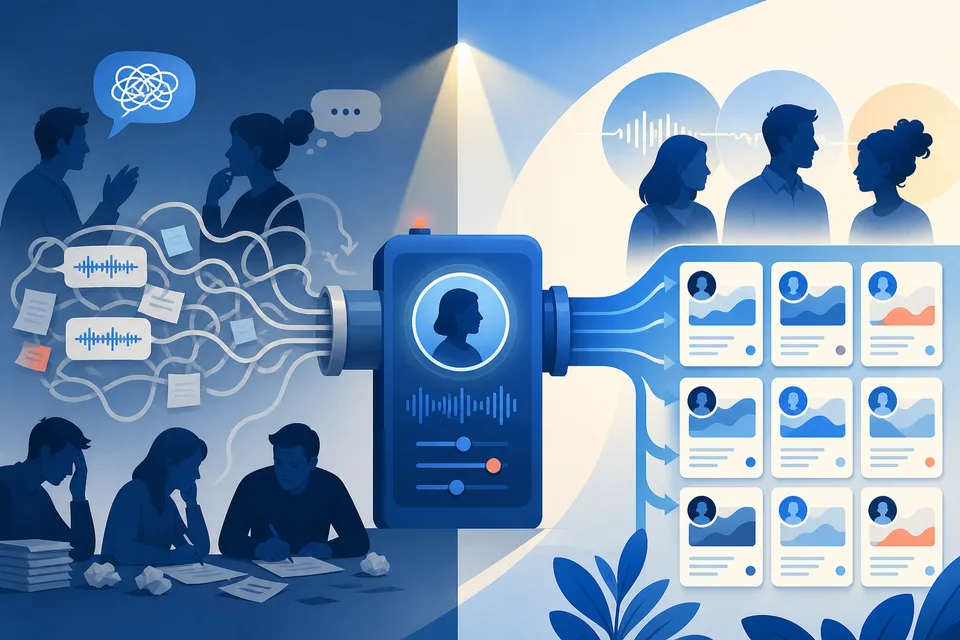
Why password vaults and screen-share OAuth do not scale for agency LinkedIn — and how SparkVox connection links keep clients in control of their credentials.
Clients and teammates approve LinkedIn drafts from a no-login link - LinkedIn preview, passage comments, suggested edits, and Approve or Request changes - without a SparkVox seat.
Your calls and interviews are already the content. SparkVox writes the posts in your voice - upload one recording and see the drafts before you're charged.
Free to sign up. Card required for full access.
No charge until day 15.