On this page
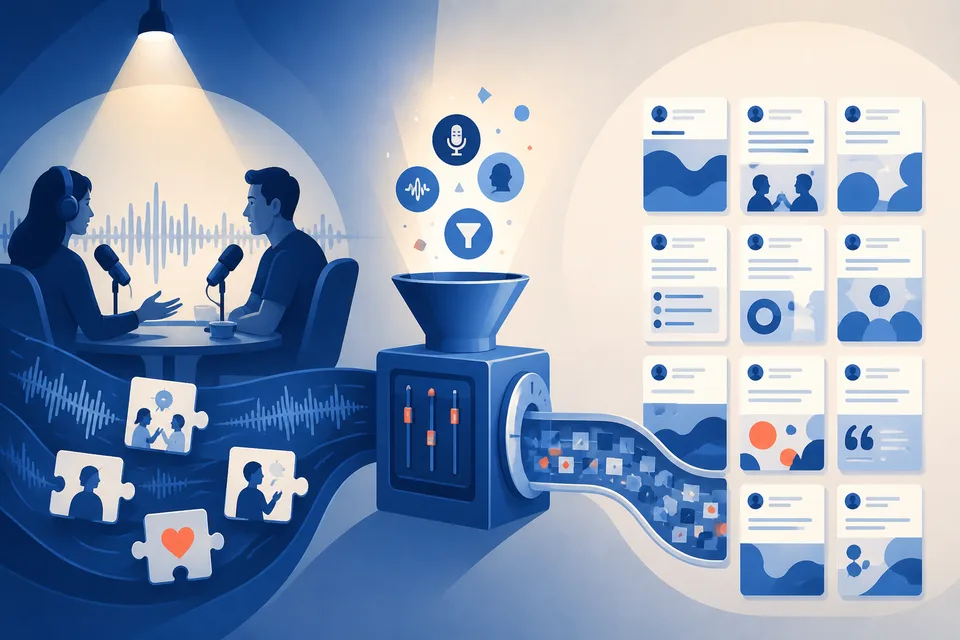
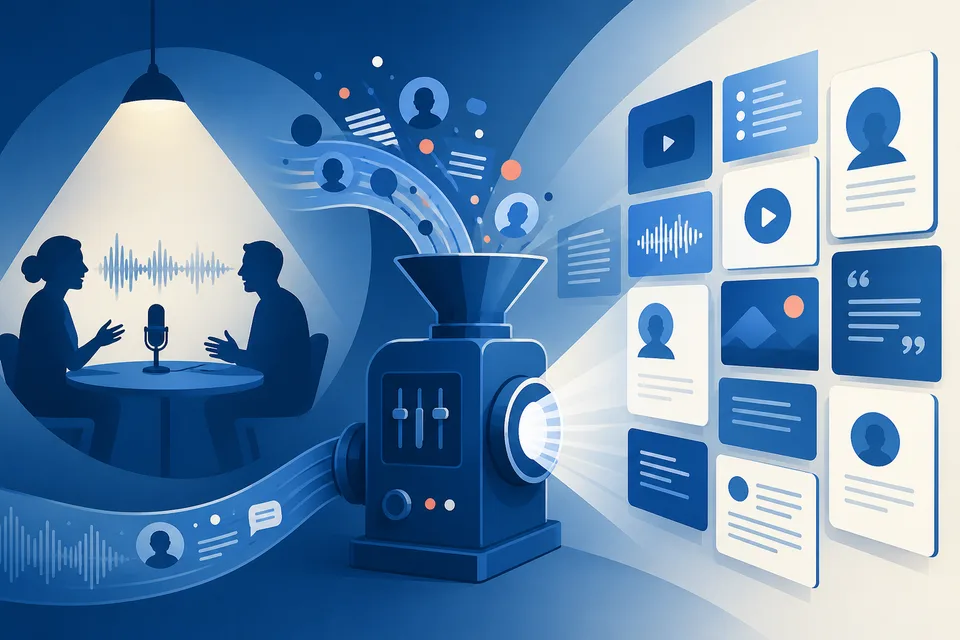
You crushed a podcast interview. Forty-five minutes of sharp takes, stories, and frameworks. Then you upload the episode to a repurposing tool and get LinkedIn drafts that quote the host, open with their questions, or blend both voices into something that does not sound like you at all.
The problem is not the AI. The problem is whose words the AI is allowed to use.
Why interview repurposing breaks without speaker selection
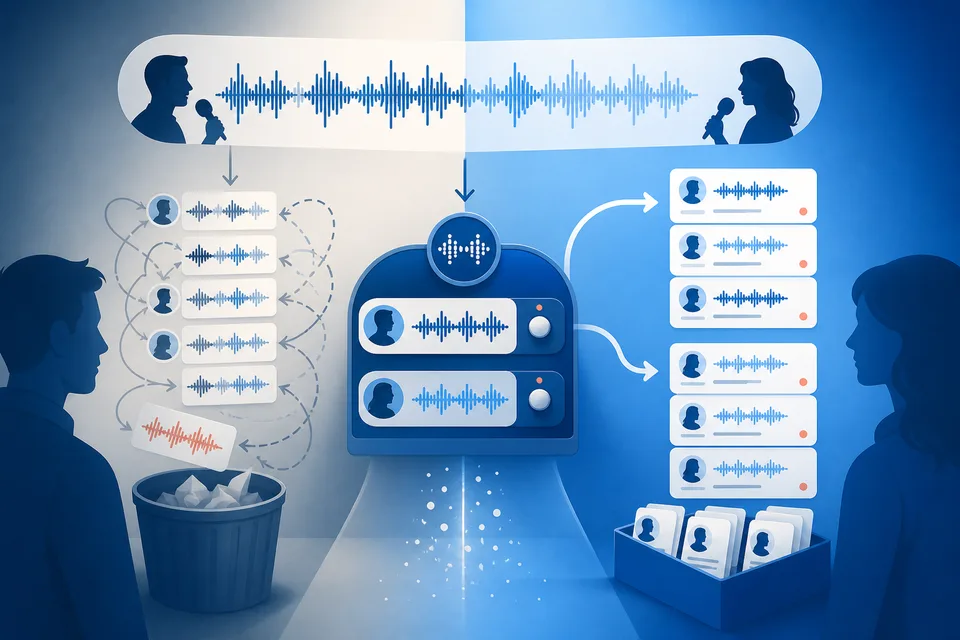
Most repurposing tools treat a transcript as one voice. On a host-guest episode, roughly half the transcript is questions, reactions, and banter that should never become your LinkedIn posts. If the tool cannot tell who said what, it will happily turn the host's setup into your hook.
Podcast guests and advisors on client calls need a filter: only my lines from this conversation.
How SparkVox handles multi-speaker episodes
When you create a project with Guest (podcast) or Advisor (Knowledge & Advisory) perspective on audio or a YouTube URL, SparkVox:
- Transcribes with speaker diarization (Gladia after captions when needed)
- Pauses at
awaiting_speaker status and notifies you in the app - Shows 2-3 sample lines from each detected speaker
- Lets you pick the voice that matches you on the mic
- Runs moment extraction and post generation on your utterances only
Host-led shows that use the full episode should use Full Conversation perspective instead - the full cleaned transcript drives the posts.
Transcript files skip this step
If you upload a plain .txt or .srt file, SparkVox uses Full Conversation or Trainer perspective and does not run speaker selection. For guest appearances or advisory calls, use the URL or audio upload so diarization can run.
Diarization keeps expert-guest posts in the guest's own words
Posts grounded in your lines read like you on the mic - not like a summary of a conversation you were part of. Combined with your voice profile and Source and Lens settings, expert-guest repurposing finally produces content you would actually publish under your name.
See SparkVox for expert guests, how to repurpose a podcast episode into LinkedIn posts, or the speaker selection help article.