

ProductAgencies
Connect Client Accounts Without Sharing Passwords
SparkVox connection links let agencies email a no-login page so clients connect their own LinkedIn, Drive, Zoom, and more — OAuth attaches to your workspace without password sharing.
Voice isolation solves the drift problem. It doesn't solve the operational problem of a dozen review queues. Here's how folders separate the operational layer from the content layer.
 Sean Weisbrot- Founder, SparkVox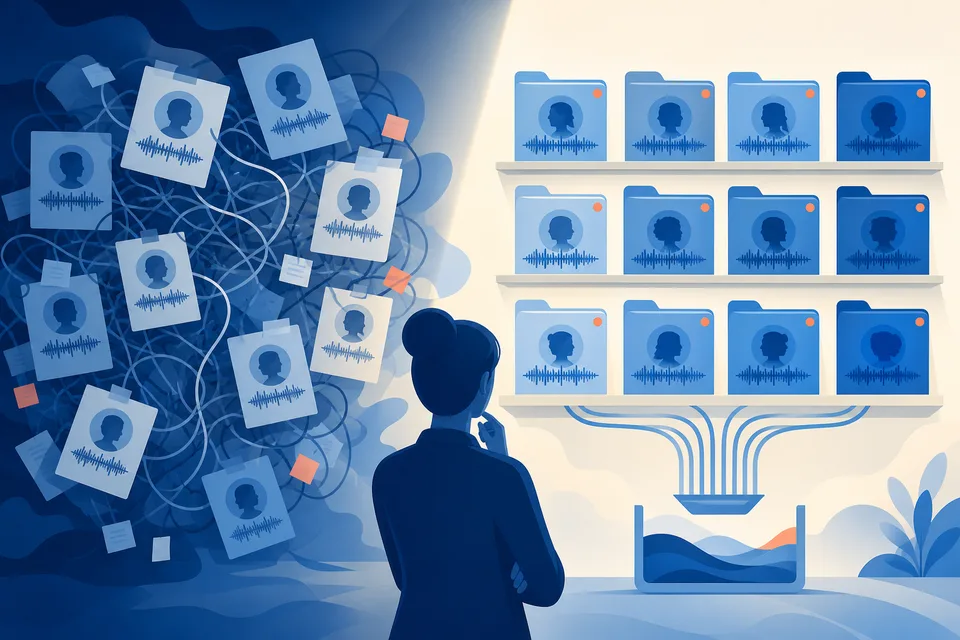
Voice isolation solves the drift problem - each client's profile stays separate automatically. It doesn't solve the operational problem of a dozen accounts, a dozen review queues, and a team that needs to know at a glance which project belongs to which client.
Not in the drafts themselves - those stay correctly isolated per account. It's in the day-to-day operations: an account manager opening the wrong client's project, a producer losing track of which recordings still need review across a growing roster, approvals getting delayed simply because nobody noticed a draft was waiting.
Project folders - one per client - keep each account's review queue visually and functionally separate, so a team member working on one client's placements never has to scroll past eleven other clients' unfiled projects to find the right one. This doesn't change how any individual draft is generated; it changes what the team sees day to day, which is where the actual confusion happens at scale.
Without folders, an account manager starting their morning review scrolls through every unfiled project across every client to find the ones relevant to them - easy at three clients, genuinely slow and error-prone at twelve, especially on a team where more than one person touches the account list. With folders, that same morning starts with opening one client folder, seeing exactly what's waiting, and moving to the next - a linear, predictable routine instead of a search.
The time saved per day looks small - a few minutes of not hunting through an unfiled list - but multiplied across every reviewer, every day, across a full roster, it adds up to a meaningful chunk of otherwise-wasted attention.
A single account manager handling every client personally can hold rough organization in their head even without folders. Once multiple people are touching the same roster - different producers reviewing different clients, someone covering for an absence - shared, explicit structure stops being a nice-to-have and becomes the only way everyone stays oriented to the same system.
See the full folder setup in organise SparkVox projects with folders, and how per-client accounts stay isolated to begin with in why client voice consistency breaks down as a PR firm scales, or the full setup on SparkVox for PR firms.
SparkVox
Upload a call, podcast, or interview. SparkVox extracts moments and drafts up to 15 LinkedIn posts in your voice. You review every draft before anything publishes.
Free to sign up. Card required for full access.
No charge until day 15.
SparkVox connection links let agencies email a no-login page so clients connect their own LinkedIn, Drive, Zoom, and more — OAuth attaches to your workspace without password sharing.
Clients and teammates approve LinkedIn drafts from a no-login link - LinkedIn preview, passage comments, suggested edits, and Approve or Request changes - without a SparkVox seat.

Approve recording proof in the fact bank, QA with Strategy behind this post, then send a LinkedIn-shaped review link - so clients sign off on evidence and copy together.
Your calls and interviews are already the content. SparkVox writes the posts in your voice - upload one recording and see the drafts before you're charged.
Free to sign up. Card required for full access.
No charge until day 15.